1. Log in to the Integrated Portal
Website: https://i.nuist.edu.cn/
Or scan the QR code to access it.
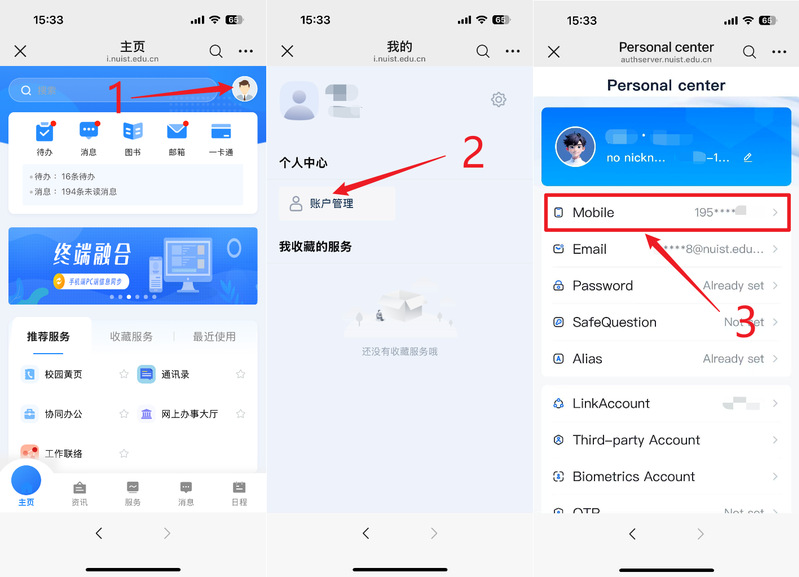
2. Verify the phone number linked to your account. Update it if incorrect.
3. Please open the WeCom app and log in using the mobile phone number + verification code method.
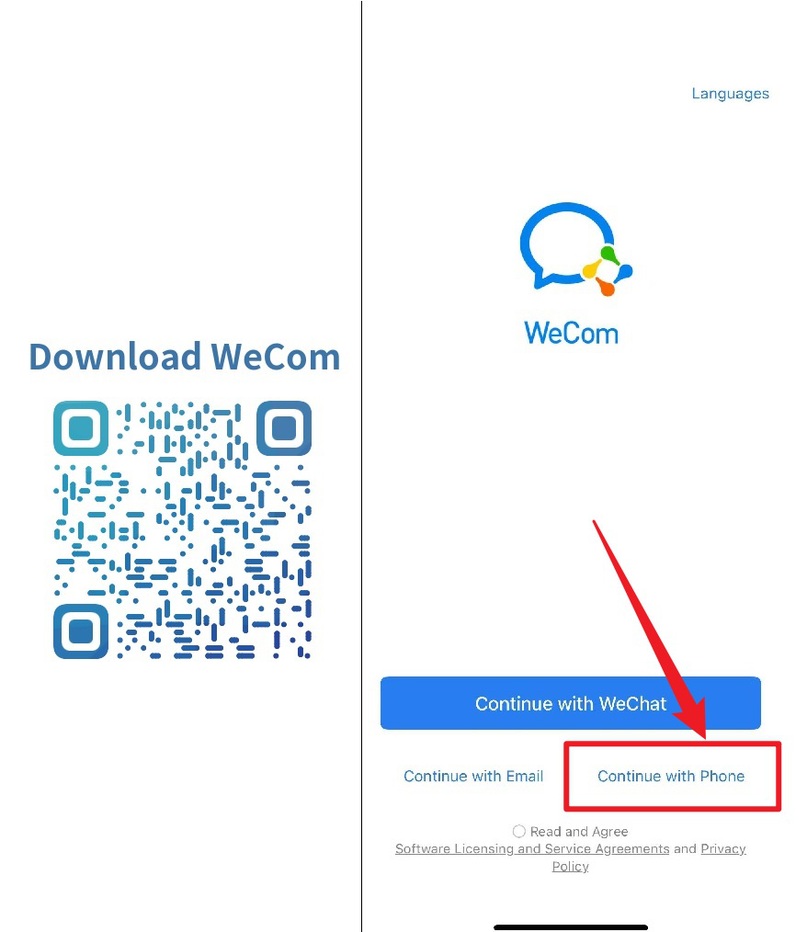
WeCom (Enterprise WeChat) is the upgraded replacement for the Enterprise Account. Using WeCom alone is sufficient. If you do need to access the Enterprise Account, please scan the QR code below and follow the steps provided.
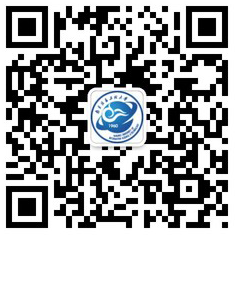
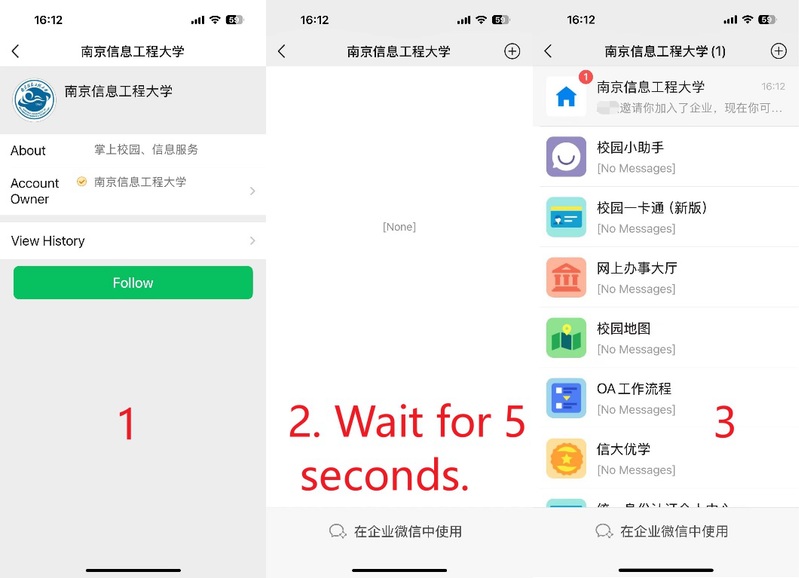
Finally, you can search for WeCom in the Integrated Portal, or save the QR code below to find this operation guide.